You have just set the screen down on the workbench and turned toward the wall where the bracket should go. Your hands are already reaching for the first screw, but the next step has slipped somewhere between the page and your fingers. The screen is still glowing behind you, and the instructions are still there. So why does the sequence keep vanishing the moment you look away?
The instructions are on the screen, but the work is in the kitchen, the garage, or the garden. You read the steps, walk away, and by the time your hands are in the soil or the flour, the next move is gone. The answer is not to memorize the whole page. Keep the source open, but translate only the low-stakes, order-dependent steps into a small execution record you can glance at without touching the screen.
That record can be a sticky note, a whiteboard, or a scrap of paper taped to the wall. It holds only the steps you must do in sequence, written as short actions with a box to check. Everything else stays on the screen, where you can return to it when your hands are clean and your eyes are free. The goal is not to learn the instructions; it is to finish the task without losing your place.
Keep the page open but write the steps down
Start by splitting the page into two piles: steps you must do in a fixed order, and facts you only need to recognize. A recipe might require searing before simmering; a software setup might only require that you know which menu to open. The fixed-order steps are the ones that need a record outside your head. The recognition facts can stay on the screen, because you will be looking at them again when you act.
Write down only the fixed-order steps, and write them as verbs with a check box. Not ‘preheat oven’ but ‘preheat oven to 180’ with a small box beside it. The box matters more than the words. When your hands are floury or greasy, you will not want to touch the screen, but you can glance at a paper and make a mark. The record is not a summary for studying; it is a scratch pad for doing.
Keep the source page open on the screen, but do not treat it as your guide while you work. Treat it as a reference you return to only when the scratch pad fails you. The scratch pad is the execution record. The page is the authority. Confusing the two is how people end up rereading the same paragraph with wet hands, or worse, guessing at a step they only half-remember.
Two situations that change the plan
Your hands are occupied and the screen is across the room. You have already written the three ordered steps on a sticky note and stuck it to the cabinet door at eye level. You glance at the first step, do it, and check the box with a pencil held in your teeth. The screen stays open for the one detail you could not fit on the note, but you do not need to walk back to it until the note runs out.
The order matters and a step is ambiguous. You have written the sequence, but step two says ‘tighten until snug’ and you are not sure what snug means. Instead of guessing, you leave the box unchecked and walk back to the screen with clean hands. You read the sentence again, look at the picture, and then return to the work. The unchecked box is your signal that the ambiguity is still open, not that you have failed.
When the page is clear but the step you need keeps vanishing the moment you walk to the workbench, watch the full memory video presenting an approach to improving memory. The same fix that works for one recipe or repair guide tends to matter most when the gap keeps repeating across different tasks.
When the note is not enough
The first situation is the common one: you are mid-task, your hands are busy, and the next step is simple. The sticky note works because it is visible, disposable, and does not require you to clean up before you touch it. The mistake to avoid is writing too much. If the note has more than four lines, you will start reading it like a page, and then you are back to studying instead of doing.
Fixed-order steps on the note
- Write only steps that must happen in sequence
- Use short verb phrases with a check box
- Keep the note to four lines or fewer
- Leave a blank line for decision points
The second situation is rarer but more dangerous: the instructions have changed since you last looked, or a step is genuinely unclear. Here the scratch pad becomes a liability if you treat it as gospel. The unchecked box is your safety valve. It tells you to stop, go back to the source, and resolve the ambiguity before you proceed. Skipping this return trip is how people overtighten a bolt or add salt twice.
A third condition hides between the two: the task is long enough that you will take a break. Before you walk away, mark the next step with an arrow, not just a check. The check says what is done; the arrow says what is next. When you return, you will not have to reconstruct your place from memory. This is the same principle as resuming an interrupted sequence, but applied to a task you chose to pause.
Not every instruction is a sequence
Some instructions are not a sequence but a decision tree. If the page says ‘if the light blinks, wait; if it stays solid, press reset,’ the order of your actions depends on what you observe. In that case, do not write the whole tree. Write only the branch you expect to take, and leave a blank line for the observation. When you reach the decision point, you fill in the blank and then follow the branch you actually see.
Other instructions are stable but long. A furniture assembly guide might have twenty steps, but only the first five matter for the frame. The rest are finishing touches you can do with the page open beside you. The skill is knowing where to draw the line between the part you must hold in your head and the part you can leave on the screen. That line is usually the point where a mistake becomes hard to undo.
A useful test is to ask: if I do this step wrong, will I notice immediately, or only after I have done three more steps? If the answer is ‘only after,’ that step belongs on the scratch pad with a box. If the answer is ‘immediately,’ you can afford to glance at the screen. This is not a rule from a laboratory; it is a way to decide which steps deserve a written record and which can stay as familiarity on the page.
Mistakes that turn a note into a trap
The most common mistake is copying the instructions word for word. A long sentence on the screen becomes a long sentence on the note, and then you are reading instead of doing. Compress the step into the smallest verb phrase that still tells you what to do. ‘Attach the left bracket to the rail using the short screws’ becomes ‘left bracket, short screws.’ The screen still has the full sentence if you need it.
Scratch pad vs source
- Myth: The note should hold everything you need.
- Fact: The note holds only the order-dependent steps.
- Myth: The note is a permanent record.
- Fact: The note is disposable and lasts for one task.
The second mistake is checking the box before the step is actually complete. You tighten the screw halfway, tell yourself you will finish it in a moment, and check the box anyway. The box is now a lie. The fix is to make the check mark only when the step is fully done, not when it is merely started. If you are interrupted mid-step, leave the box empty and add a small arrow pointing to where you stopped.
The third mistake is treating the scratch pad as a permanent record. It is not. It is a tool for the next ten minutes. Once the task is done, throw the note away. If you keep it, you will start to confuse the record of what you did with the memory of how to do it. The goal is not to build a library of instructions; it is to get this one task done without walking back to the screen five times.
If you find yourself needing the same instructions again and again, that is a different problem. Then it may be worth writing a cleaner version, or using spaced review to move the sequence into long-term memory. But for a one-off task, the disposable note is enough. The distinction is between execution, which needs a scratch pad, and learning, which needs repetition.
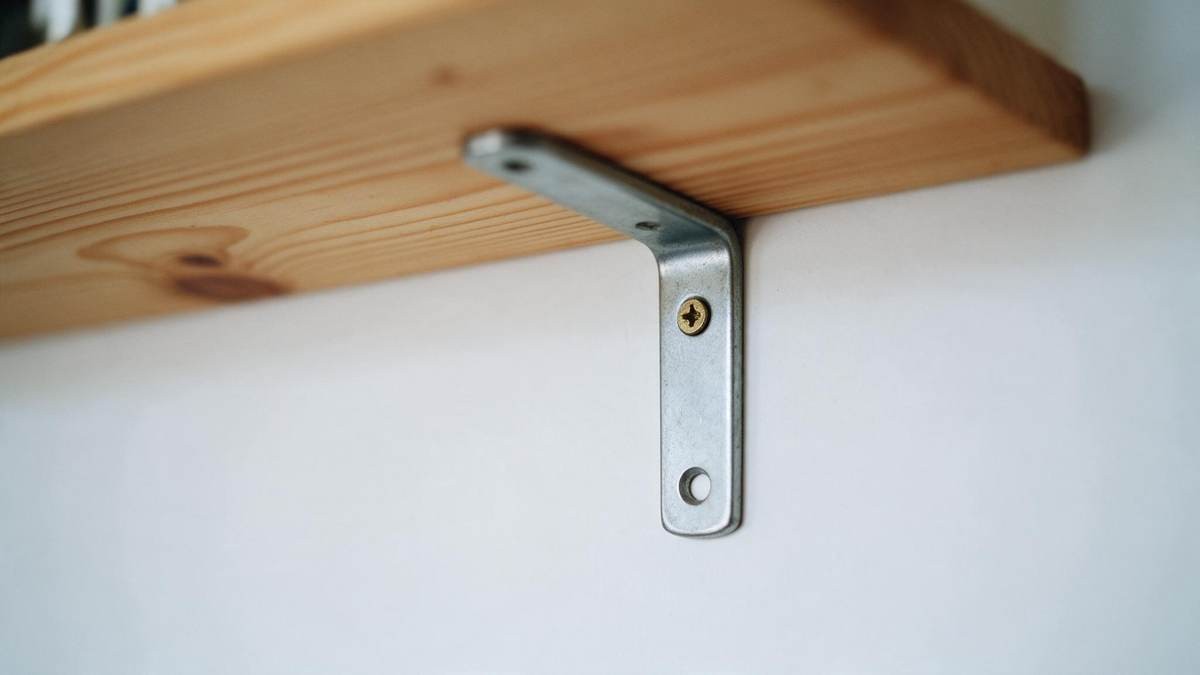 Only one screw in this bracket?Why the next step vanishes the moment youWatch the video to see the small fix that keeps the sequence from slipping when you step away from the screen.
The single slip in this article may be the small version of a pattern that keeps returning, and you can see the full shape of it when you watch the full video.
Reading behind this note
Everything on Memory training →
▶ Watch the memory video